Loading...

Product
Core Features
Top Extensions
Company
Control Handy — offline speech-to-text — directly from Raycast.
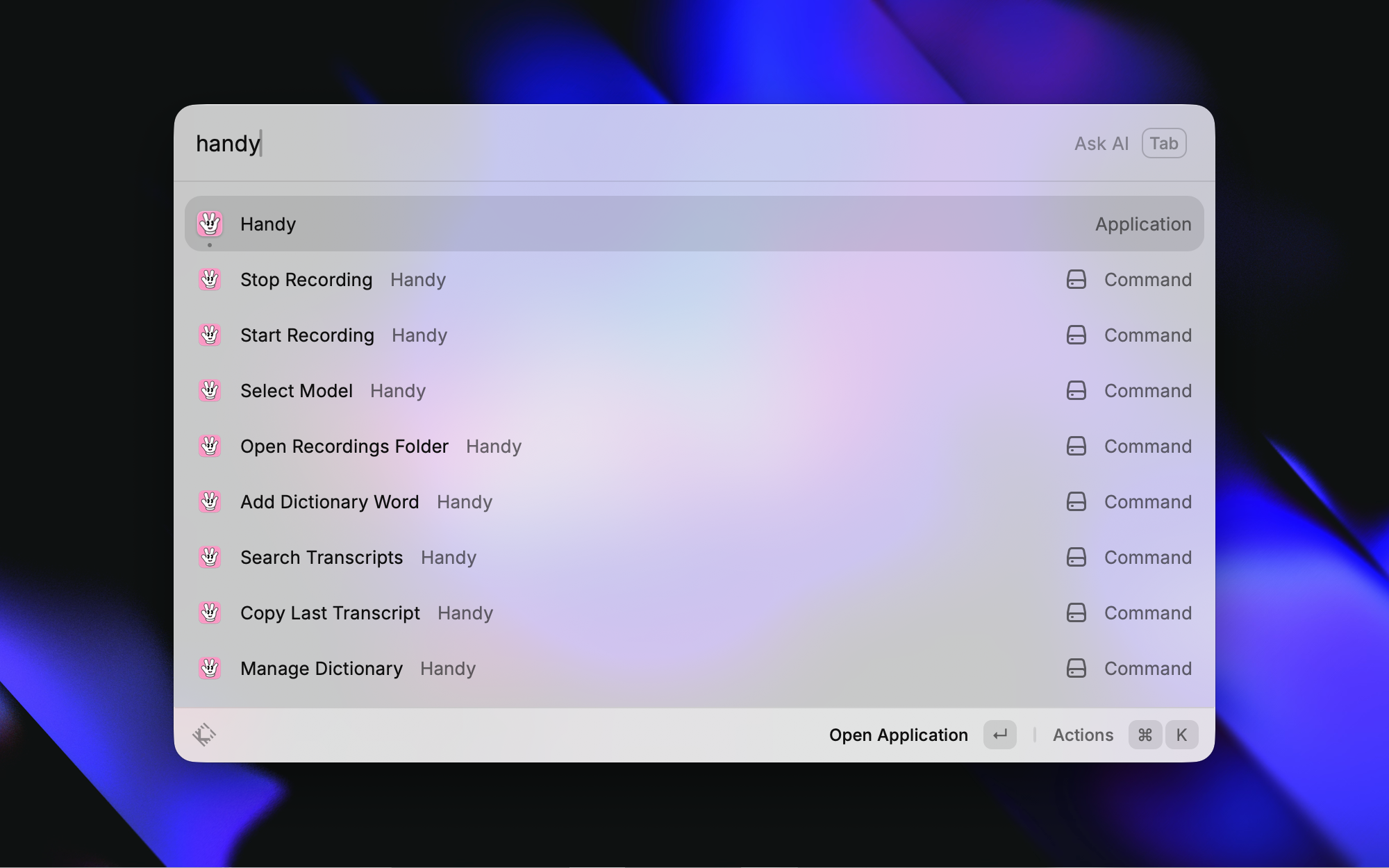
| Command | Description |
|---|---|
| Toggle Recording | Toggle Handy's transcription recording on/off |
| Copy Last Transcript | Copy the most recent transcription to clipboard |
| Paste Last Transcript | Paste the most recent transcription into the active app |
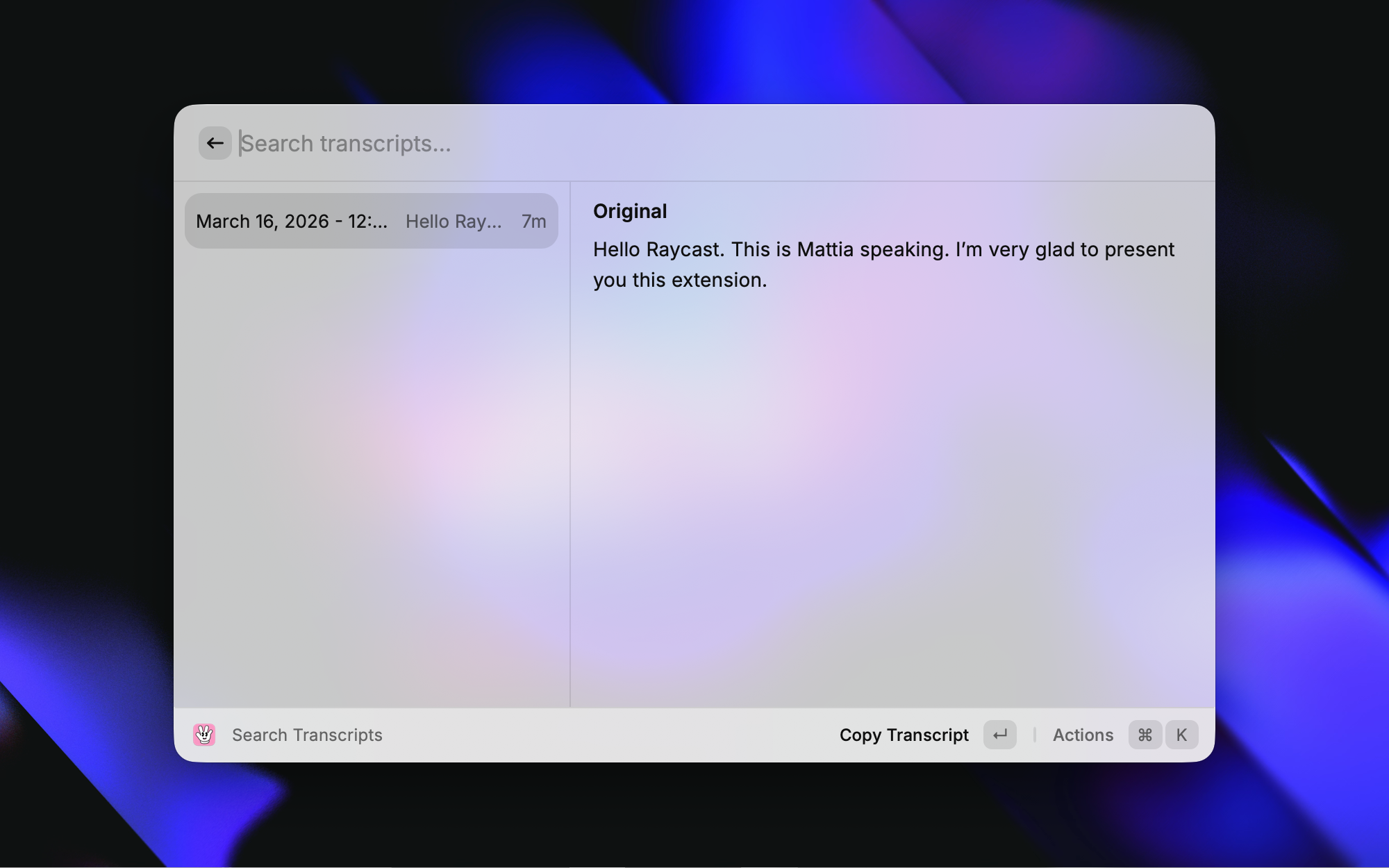
| Search Transcripts | Browse history, copy, save, delete, reveal recordings |
| Add Dictionary Word | Quickly add a word to Handy's custom dictionary |
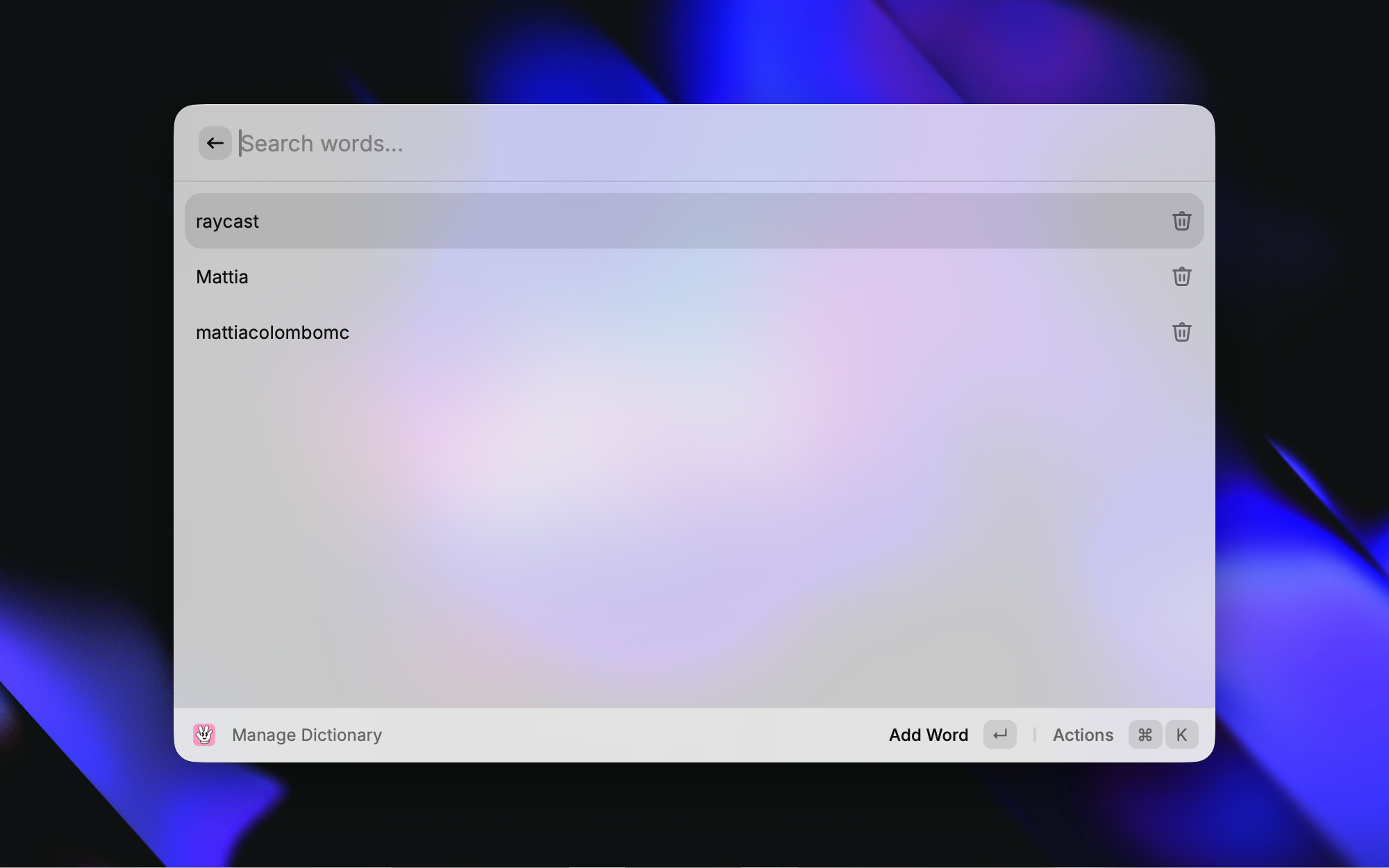
| Manage Dictionary | View, add, and delete custom dictionary words |
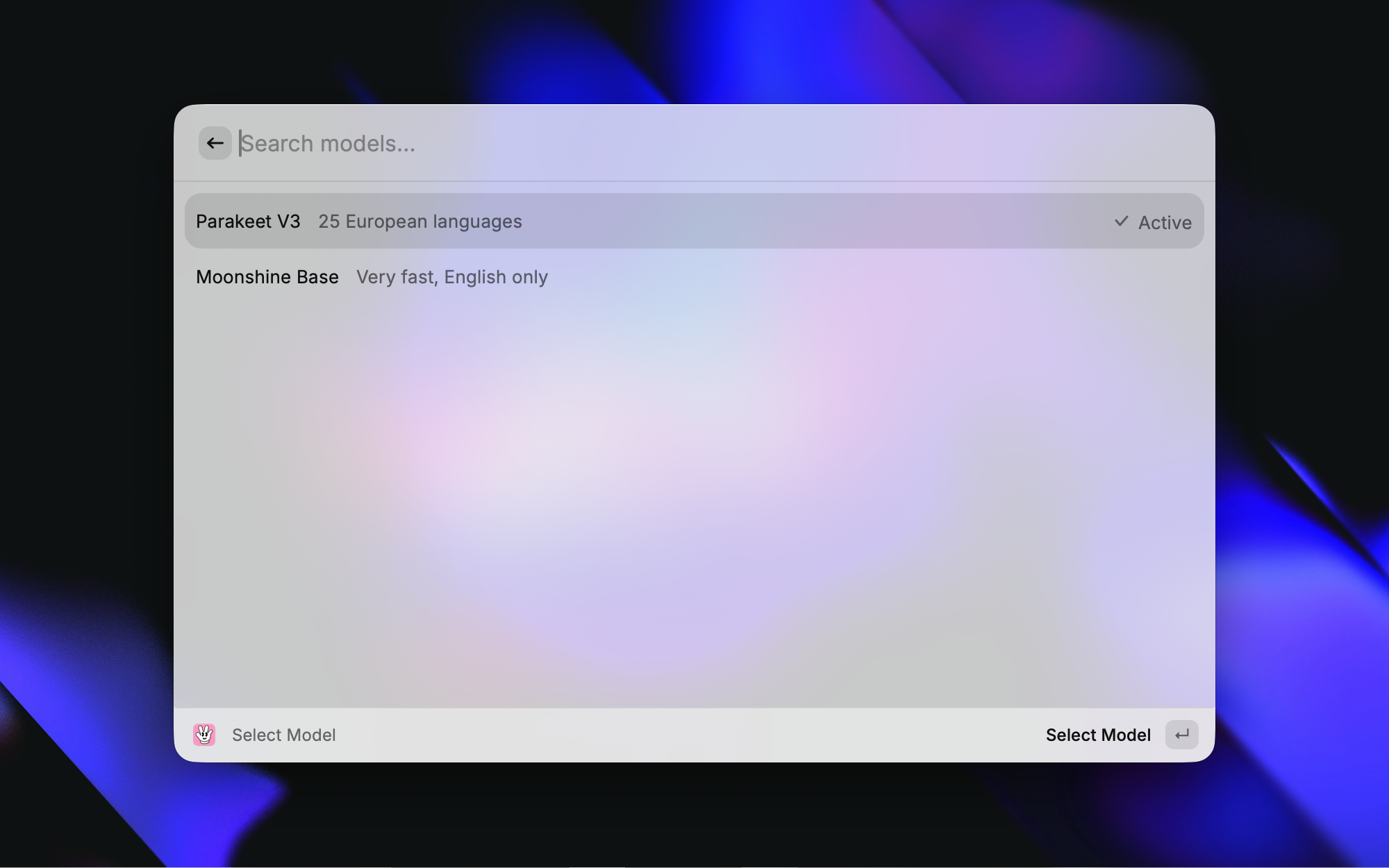
| Select Model | Switch the active transcription model |
| Open Recordings Folder | Open the recordings directory |
/Applications/Handy.app/Contents/MacOS/Handy)src/lib/catalog.json is a trimmed copy of Handy's model catalog, used to give
downloaded models friendly names and language capabilities. Regenerate it from
Handy's source of truth when new models ship:
node -e "const c=require('/path/to/Handy/src-tauri/src/catalog/catalog.json'); require('fs').writeFileSync('src/lib/catalog.json', JSON.stringify(c.models.map(m=>({id:m.id,name:m.name,description:m.description,languages:m.languages})), null, 2)+'\n')"
Unknown models still appear (discovered from disk) with a name derived from their repo slug, so the extension keeps working even when the catalog is out of date.
Toggle Handy transcription recording on/off
Copy the most recent transcription to clipboard
Paste the most recent transcription into the active app
Quickly add a word to the custom dictionary
Add and remove custom words
Switch the active transcription model
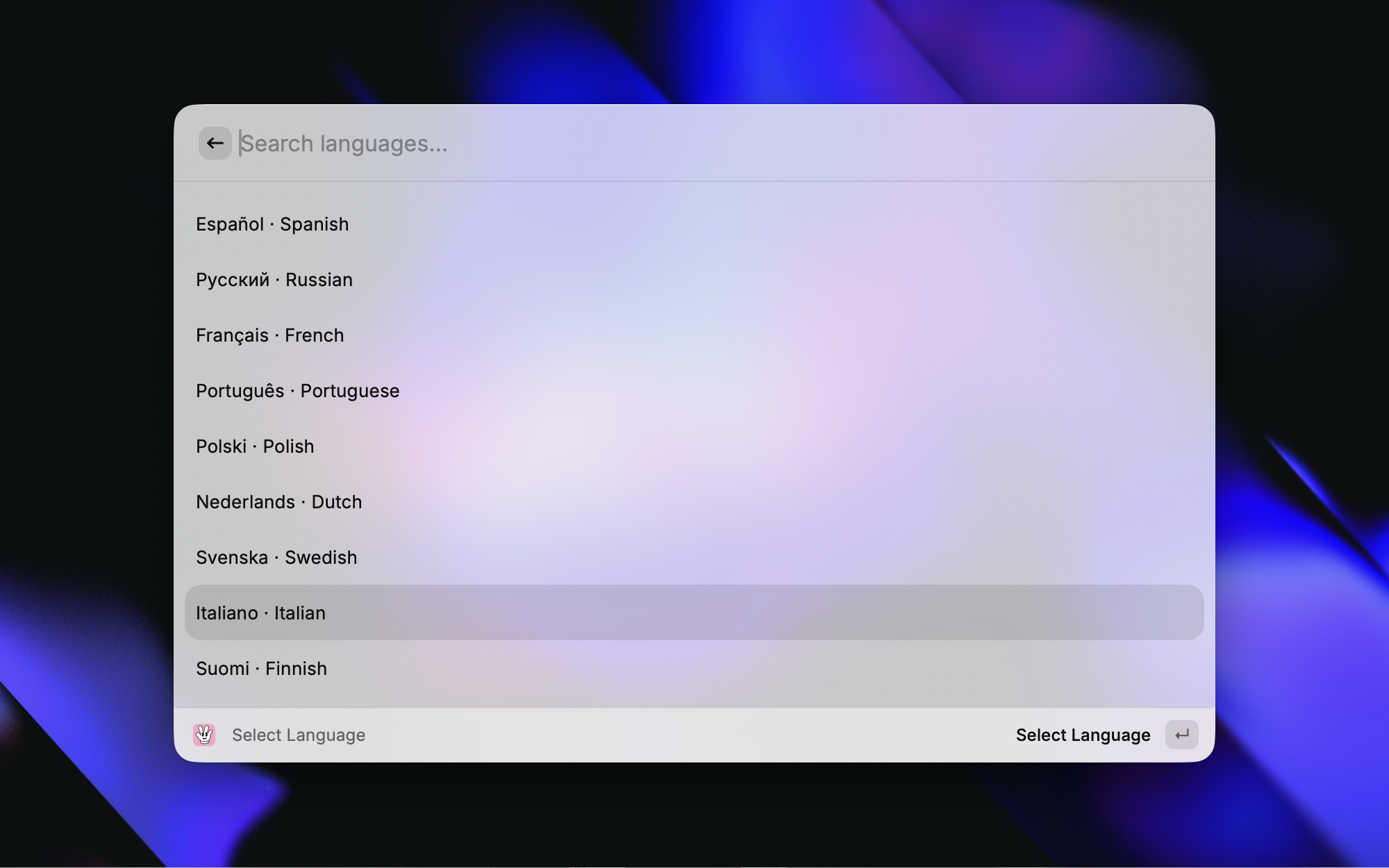
Set the transcription language for the active model
Open the recordings directory
Browse and copy transcription history
settings_store.json (which Handy only reads at launch, so the selection did nothing until a relaunch). The extension GUI-scripts Handy's tray model menu — the same path the in-app menu uses — so the model changes instantly with no restart. If Raycast lacks Accessibility permission, a "Restart Handy" toast offers the relaunch fallback. The store is updated only after Handy accepts the live switch (or after a successful restart), so a failed switch stays retryable.settings_store.json reading/writing to tolerate a missing file or a missing settings key (defaults selected_model to empty and selected_language to auto).~/.cache/huggingface/hub) rather than Application Support/com.pais.handy/models, so the list always showed "No models downloaded". Model discovery now scans the HuggingFace cache (respecting HF_HOME / HF_HUB_CACHE), matches each downloaded GGUF against Handy's model catalog for names and language capabilities, and still surfaces custom models from the legacy directory.Q8_0) is shown as a tag in the model list, so multiple downloaded quants of the same model are distinguishable.