v2.9October 22, 2026
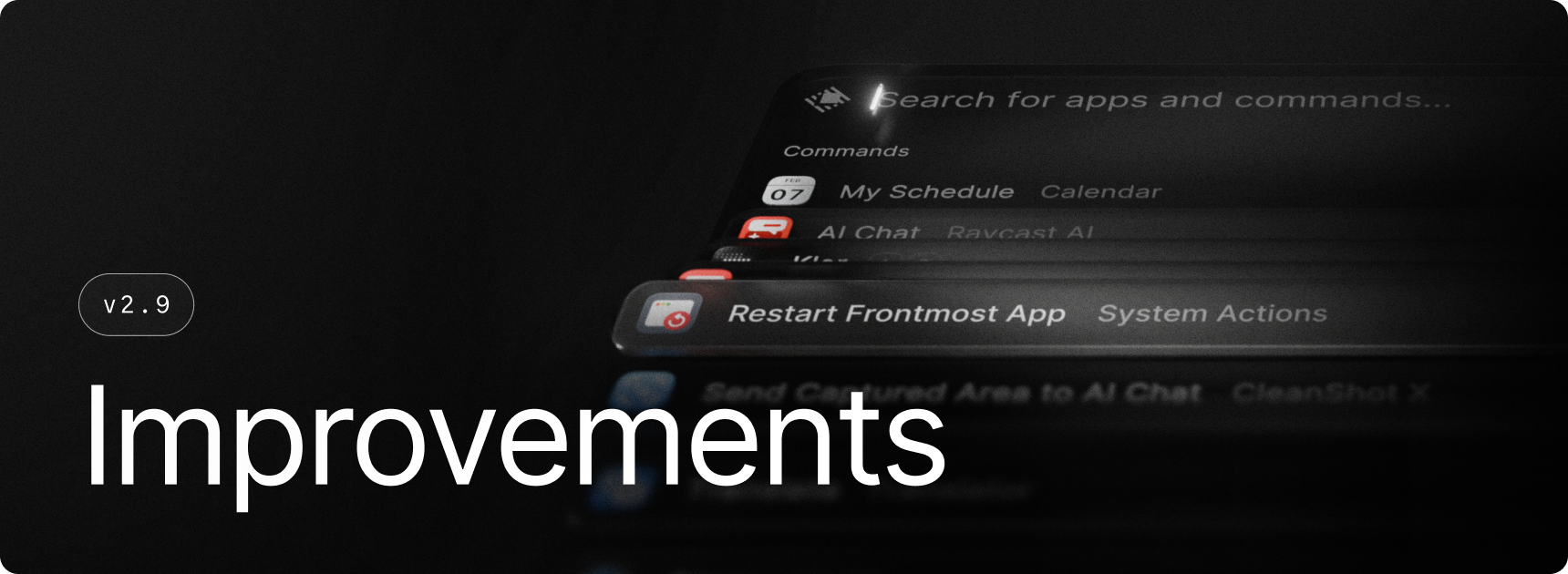
This update brings new commands, useful improvements, and plenty of fixes across Raycast. Send Notes directly to AI Chat, restart the frontmost app with a new command, and enjoy a more polished AI Chat experience. Search performance is improved by 50% in Root Search and menus, while Search Screenshots is 3× faster and uses 80% less memory.
✨ New
- AI Commands: Added a Default option to the model picker, so commands follow your default AI Command model. They also show the default reasoning effort
- Notes: Added a Send to AI Chat action to Search Notes and the Notes window. Press
⌘ + Jto attach the note to AI Chat - Restart Frontmost App: New command that quits and reopens the app you're currently using
💎 Improvements
- Action Panel: Improved search ranking by prioritizing complete word matches
- AI Chat: Wide tables can now go past the usual text width to show more columns, while staying lined up with the text and keeping each column readable
- AI Chat: Long responses render more smoothly while they're streaming in
- AI Chat: Improved Mermaid diagram loading and added error details when a diagram couldn’t be rendered
- AI Chat: Improved readability and markdown rendering
- AI Chat: Commands sent to AI Chat (such as Send to AI Chat or Dictation) now respect the Start New Chat setting
- AI: Newly installed Extension-provided models are now searchable in model pickers
- MCP: Added connection error details to Manage MCP Servers
- Restart / Shut Down: The confirmation now has a "Reopen windows when logging back in" checkbox that follows your macOS setting, so windows only reopen when you want them to
- Search: Improved performance (50% faster) and reduced memory overhead in Root Search and menu searches
- Search Screenshots: Reduced memory usage when browsing images (3x faster and 80% less memory usage)
- Settings: Improved command settings, including descriptions, hotkeys, and aliases
- Settings: Moved Screen Awareness into a submenu of the AI settings tab
- UI: Improved handling of toast/hud dismissal, fixing recurring issue of toast/hud reappearing after dismissal
- UI: Added support for pending + progress display in HUDs
- UI: HUDs and in-window toasts can now be dismissed
- Window Management: Reduced visible flickering
🐞 Fixes
- AI Chat: Fixed deleting the open chat leaving nothing selected. The selection now moves to a nearby chat, like it did in the old window
- Extensions: Fixed tinted images failing to load from some websites
- Extensions: Fixed an issue where number hotkeys was taking priority over command action hotkeys
- Extensions: Fixed grid images appearing off-centre or clipped at larger interface sizes
- Extensions: Fixed grid item sizes being ignored in extensions using the legacy sizing option
- Extensions: Fixed an issue where dropdown items in an extension's search bar ignored their
keywordswhen you typed to filter them - Extensions: Fixed an issue where the blinking text cursor showed up in screenshots taken with Window Capture
- MCP: Fixed Microsoft 365 sign-in failures
- MCP: Fixed sign-in after initially connecting to a server without authentication
- MCP: Fixed connections to older servers when connection discovery timed out
- MCP: Fixed repeated reconnects during Cloud Sync
- Notes: Fixed
>>and<<turning into»and«, which broke snippets using those keywords - Store: Fixed commands of disabled extensions still showing up and running from the Store
- UI: Fixed an issue where some toasts could remain visibly stale
- UI: Fixed an issue where picking the Raycast glyph for some custom commands (ai, dictation, etc) would result in an empty tile icon without glyph
